
The sims 4 free real estate cheat lets your household move into a residential lot without paying its purchase price. Open the cheat console while viewing the world map, enter freerealestate on, and choose a home for your household. Your Sims will still need money for expenses after they move in, but you can give them a comfortable place to start without saving up for the lot first.
How to use the sims 4 free real estate cheat
Start on the world map, where you can see available residential lots. If you are already playing a household, open Manage Worlds and return to the map before entering the cheat. Save first if you would like an easy way back to your previous living arrangement.
Open the cheat console using the controls for your platform:
On PC, press Ctrl + Shift + C. On Mac, press Command + Shift + C. On PlayStation, press all four shoulder buttons at the same time. On Xbox, press all four shoulder buttons at the same time.
A text field should appear near the top of the screen. Type freerealestate on and press Enter, or use your console's confirmation button. Close the cheat console, select the household you want to move, and choose an available residential lot. Follow the move-in prompts to finish placing your Sims.
If the command does not seem to take effect, open the console again, enter testingcheats true, and then re-enter freerealestate on while you are on the world map. You can also try reopening the map before selecting the lot. The important part is to use the cheat during the move-in process, not while your Sims are standing inside their house.
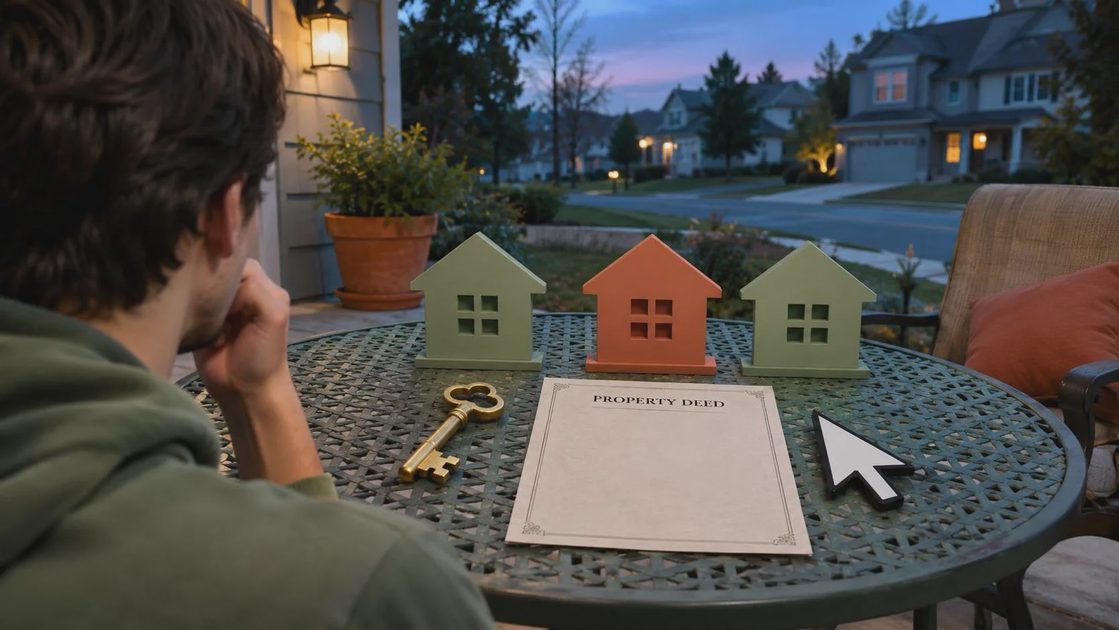
Choosing a lot and completing the move
Look for a residential lot that your household can actually move into. A community venue is not the same as a home, and a lot occupied by another household may require you to resolve that household's living situation before your Sims can settle there. The cheat changes the price, not every restriction on a lot.
When you select a house, pay attention to the furnished and unfurnished choices if the game offers them. A furnished home is an easy way to begin with beds, appliances, and other essentials already in place. An unfurnished home gives you more freedom to decorate, but you will need household funds to buy the things your Sims need afterward.
If you are moving an existing household, read the prompts about its furniture and belongings before confirming. You may be offered a choice about what happens to items from the old home. Take a moment here: a free lot is lovely, but accidentally leaving behind a favorite collection can make the move feel less relaxing.
Once the household is placed, let the game load into the home and check that everyone has arrived. A quick look at the household inventory is useful if you expected furniture or personal items to come along.
What the cheat does and does not cover
The command removes the cost of moving into the residential lot; it is not a continuing supply of Simoleons. Your household can still receive bills and will need money for groceries, furniture, repairs, and other purchases. A large house may also bring larger bills, so a free mansion is not necessarily a free lifestyle.
If you want more spending money as well, open the cheat console and enter motherlode to add 50,000 Simoleons to the active household. For a smaller boost, rosebud or kaching adds 1,000 Simoleons. These are separate money cheats, so you do not need to use them just because you made the home free.
On PlayStation and Xbox, enabling cheats can disable trophies or achievements for that save. If collecting them matters to you, keep a separate save before enabling cheats and pay attention to the game's warning. You can still enjoy a relaxed, cheat-friendly household without changing the way you play every save.
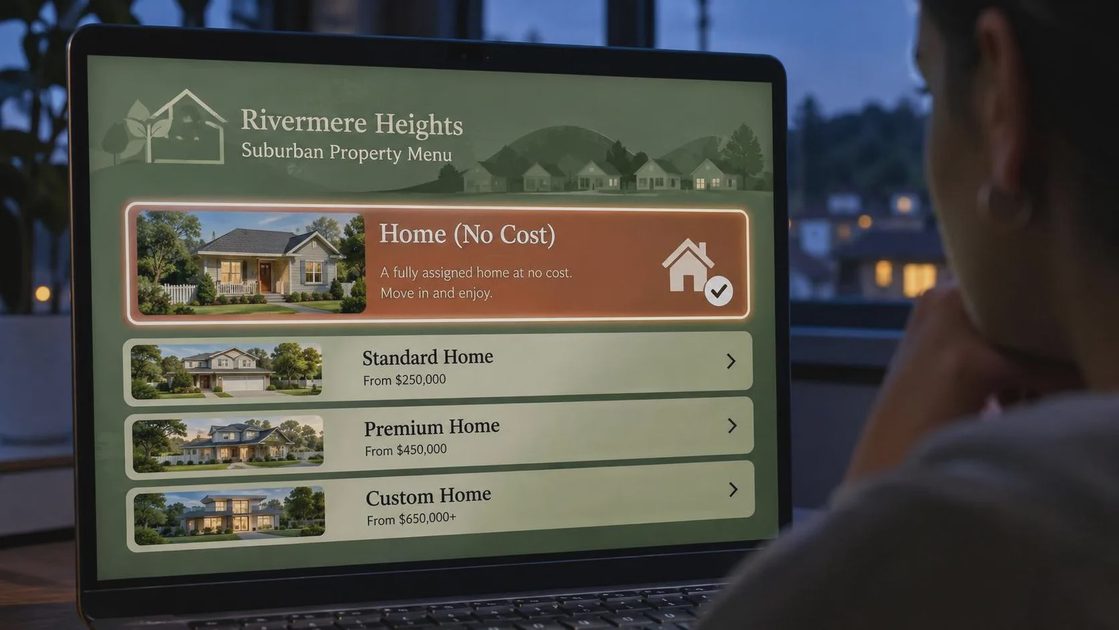
How to turn free real estate off
Return to the world map, open the cheat console, and enter freerealestate off. Future residential lot selections should then use their normal prices. Turning the cheat off does not undo a completed move or charge your household retroactively for the home it already received.
You can leave the setting on while placing several households, then switch it off when you are ready to return to ordinary move-in costs. If you are unsure whether it is active, check the price shown as you select a residential lot rather than assuming a previous command carried over.
A gentle fix when the command is not working
First, check the spelling and spacing: freerealestate is one word, followed by a space and on. The small text field can make a missing space easy to overlook. Enter the command again from the world map and confirm it before choosing the lot.
Next, make sure you are actually moving a household into a residential property. The cheat is for the move-in price; it does not replace Build Mode purchasing or turn a venue into a residence. If you are trying to buy a sofa after moving in, you will need household money for that sofa.
If the console does not open, press the platform shortcut again and check that all required buttons are pressed together. On a computer, another program or overlay may also be using the same shortcut. Close or change that conflicting shortcut, then return to the game and try again.
Finally, back out to Manage Worlds and repeat the steps in order: open the console, enable testingcheats if needed, enter the free real estate command, and select your household and home. Saving before another move attempt gives you room to experiment without worrying about the outcome.
Once your Sims are settled, start with the practical comforts: a bed for each Sim, a bathroom, a way to prepare food, and enough funds for the first bills. The garden, gallery wall, and elaborate kitchen can wait. You don't need the perfect start—just a smoother one.


